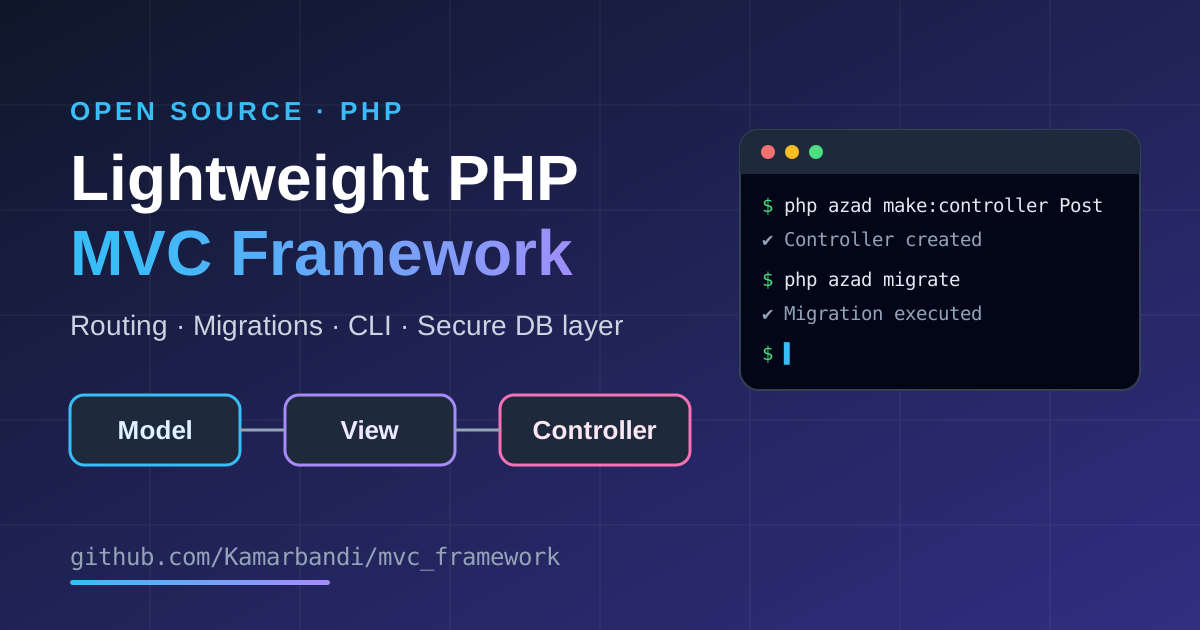
Large PHP frameworks like Laravel or Symfony are powerful, but they hide a lot of what happens under the hood. To understand how a modern web framework really works, I decided to build my own: a lightweight PHP MVC framework that is small enough to read in an afternoon, yet complete enough to build real web applications.
The project is open source and available on GitHub: Kamarbandi/mvc_framework
In this article, I'll explain what the framework does, how it is structured, and how you can start using it.
What Is an MVC Framework?
MVC stands for Model-View-Controller, an architectural pattern that splits an application into three layers:
Model: handles data and database logic.
View: renders the output the user sees (HTML templates).
Controller: receives the request, talks to the model and passes data to the view.
Separating these responsibilities keeps your code organized, easier to test and much simpler to maintain as your project grows. It is also the foundation of most popular PHP frameworks.
Why I Built My Own PHP Framework
There are three main reasons:
Learning. Writing a framework forces you to understand routing, autoloading, request handling and database abstraction at a deep level.
Control. For small and medium projects, a minimal codebase without hundreds of dependencies is often faster and easier to reason about.
Showcase. It demonstrates my understanding of software design principles and clean PHP architecture.
The framework is still being improved, but it is fully functional and can already be used for small to medium web projects.
Key Features
MVC Architecture
Models, views and controllers live in separate layers, so your business logic never gets tangled with your HTML.
Simple and Readable Routing
The router maps URLs to controllers and methods. Routes are defined in a dedicated routes directory, which keeps your URL structure in one clear place.
Automatic Class Autoloading
Classes are loaded automatically when they are needed. There are no long lists of require statements, and the project includes a composer.json file.
Secure Database Integration
The database layer uses prepared statements, which is the standard defense against SQL injection. You configure the connection once in config.php and interact with your data through simple methods.
Built-in Command-Line Tool
One of the most useful parts of the framework is its CLI tool, called azad. It automates repetitive tasks, from creating database schemas to generating boilerplate code.
The azad CLI Tool
Database commands
Command | What it does |
|---|---|
| Initializes a new database schema |
| Runs a seeder to populate the database with known data |
| Shows details about a selected table |
| Drops (deletes) a database |
| Finds and runs a migration file |
| Runs the |
| Runs the |
Generators
Command | What it does |
|---|---|
| Creates a new controller file |
| Creates a new model file |
| Creates a new migration file |
| Creates a new seeder file |
Other
Command | What it does |
|---|---|
| Lists all available migration files |
For example, to generate a new controller called Post:
php azad make:controller Post
Generators save time and keep your project structure consistent, and migrations make it easy to version your database schema and share changes across a team.
Project Structure
The repository is intentionally compact:
mvc_framework/
├── app/          # Models, views and controllers
├── public/       # Public entry point and assets
├── routes/       # Route definitions
├── azad          # Command-line tool
├── composer.json
└── my_db.sql     # Sample database dump
Only public/ needs to be exposed by your web server, which is a good security practice for any PHP application.
Getting Started
Clone the repository:
git clone https://github.com/Kamarbandi/mvc_framework.gitSet up your database and enter the connection details in
config.php. You can import the includedmy_db.sqlas a starting point.Create your application files. Use the
azadgenerators to scaffold controllers, models, migrations and seeders.Define your routes and follow the MVC pattern to build your application.
Who Is This Framework For?
Developers who want to learn how PHP frameworks work internally.
Small and medium projects that don't need a heavy framework.
Anyone looking for a minimal PHP MVC starter to fork and extend.
If you are building a large enterprise application with complex requirements, a mature framework such as Laravel or Symfony is still the safer choice. For learning, prototypes and lightweight sites, a small framework like this one is a great fit.
What's Next
The framework is a work in progress. I plan to keep improving it with more features, better documentation and cleaner internals. Feedback, issues and pull requests are very welcome.
Frequently Asked Questions
Is this PHP framework free to use?
Yes. The source code is public on GitHub, and you can clone it and use it in your own projects.
Does it protect against SQL injection?
The database layer uses prepared statements, which is the recommended way to prevent SQL injection.
Can I use it in production?
It is functional and suitable for small to medium projects. As with any young framework, review the code and test it thoroughly before using it in production.
How do I generate a controller or model?
Use the CLI tool, for example php azad make:controller Post or php azad make:model Post.
Conclusion
Building a framework from scratch is one of the best ways to master PHP and web architecture. This project gives you a clean MVC structure, simple routing, secure database access and a handy CLI tool in a very small codebase.
👉 Check out the source code on GitHub: github.com/Kamarbandi/mvc_framework
If you find it useful, leave a star on the repository, and feel free to open an issue with your ideas.